top of page
Eyeli
A vision assistance app designed to help people who are blind or have low vision navigate the world more independently and confidently.

Role
Accessibility UX/UI Designer 👩🏻💻
Team
Independent 🙋🏻♀️
Timeline
3 Weeks 📅
Overview
Accessibility Matters ♿
Taking courses on accessibility and inclusive design helped me gain an understanding of the struggles people with disabilities face. It made me grow more compassionate towards people with disabilities and their struggles. Because of this, I wanted to design an app where low-vision and blind people can use day-to-day to navigate the world.
Problem
Daily Challenges Faced by People with Visual Disabilities
Core Accessibility Challenges in Daily Life
These are the core accessibility issues low-vision and blind people face that I want to address in my app.

Navigating Directions

Identifying Objects

Reading Text

Social Stigma
Research
Designing Beyond Assumptions
Diving into the realm of research, I compiled information from both academic papers and the lived experience of blind & low-vision individuals.
Quotes from Real Users with Visual Impairments


Solutions that are Academically-backed
1
AI-assisted Recognition
2
Vision models can identify signs, text, faces, and objects. This helps users navigate complex environments.
Text-to-speech
TTS reduces the need for a sighted person to read text aloud or be physically assisted with print materials.
3
4
Haptic Feedback
Provide tactile feedback for understanding graphs, maps, and navigation direction.
User-centered Design
Systems co-designed with users are more usable, ergonomic, and effective.
Meeting Accessibility Standards (WCAG Principles - POUR)
Perceivable 👁 - Ability to adjust contrast, text resize
Operable ⌨ - Logical focus order, clear headings
Understandable 🧠 - Buttons have clear labels
Robust ⚙ - Works with screen readers
Competitive Analysis: How I Would Make My App Differently


All these apps lacked usability and a seamless flow. They didn't have many accessibility features I could change in the settings. With Eyeli, I wanted to be sure to reduce the cognitive load and give the users a simple flow navigating the app.
Design
Eyeli: Designing for Everyday Independence
With the research I compiled, I decided that these features would be added to Eyeli:
1. Object Recognition 📦
2. Navigation Assistance 🧭
3. Identify Surrounding 🧙🏻♀️
4. Read Text Aloud 🧾
5. AI Chat Assistant 🤖
6. Learn About the Community 🧑🤝🧑
Exploring Solutions
Here is the wireframe of Eyeli that I created. It includes the onboarding pages, the homepage, the identify object page, the AI assistant page, and the accessibility settings page. It took me several wireframes to come up with Eyeli's functionality.

Eyeli: A Human-Centered Accessibility Solution
Here is the hi-fidelity prototype of Eyeli:


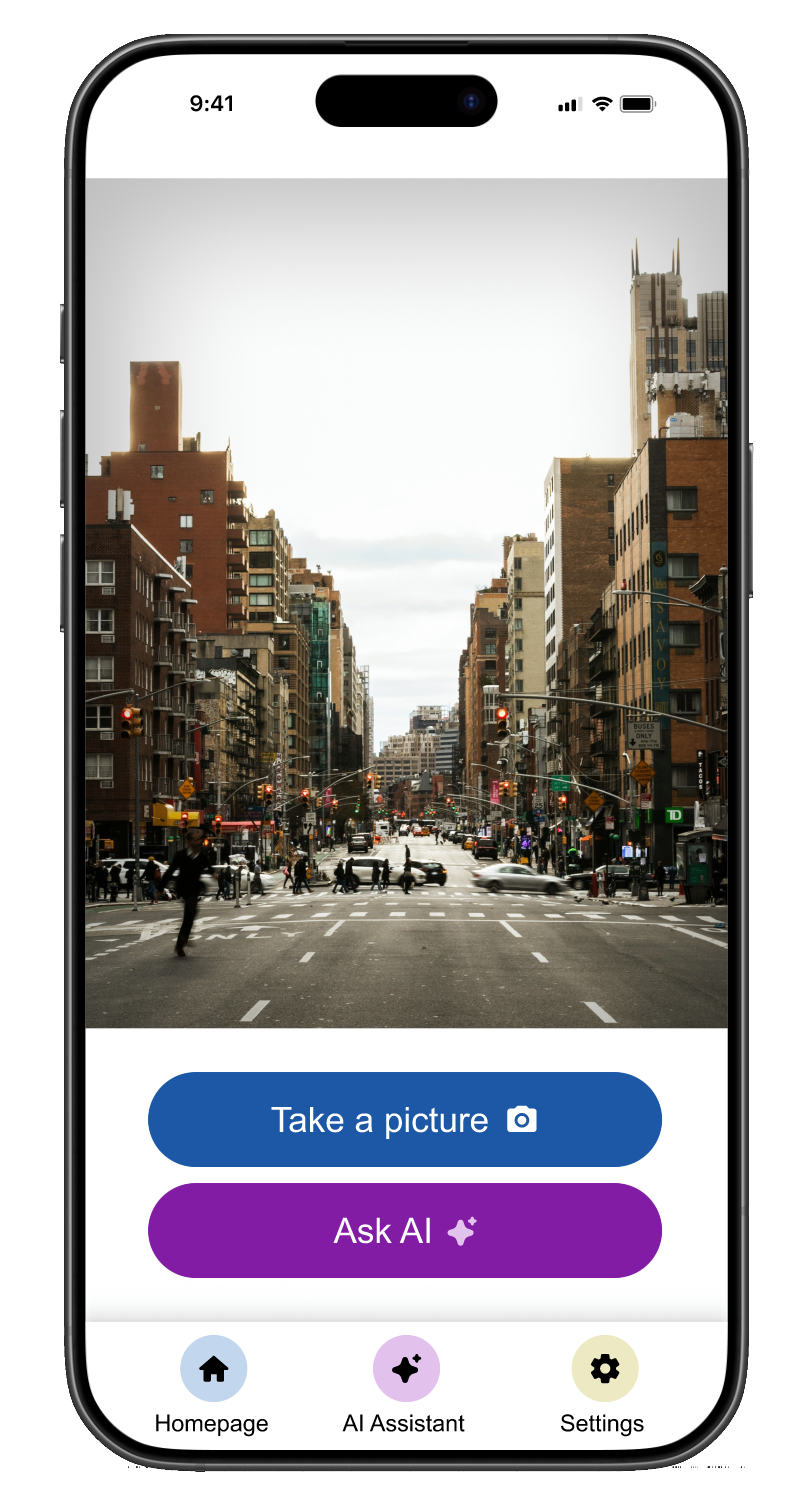


What Makes Eyeli User & Accessibility-centered


Reduce Cognitive Load
Ensure users can escape actions


Seamless flow to navigate through all pages of app
Accessibility settings customization
Reflection
👩🏻💻 Figma doesn't have a lot of accessible capabilities, so I would communicate what the users accessibility needs are with developers.
💡 Keeping information organized can make it more efficient to produce ideas.
♿ This was my first accessibility design project and I learned a lot about how to design for accessibility through my user research.
bottom of page